Iconography
Icons are a visual language that turns functions, actions, and objects into compact symbols — communicating efficiently in tight spaces.
Icon Size
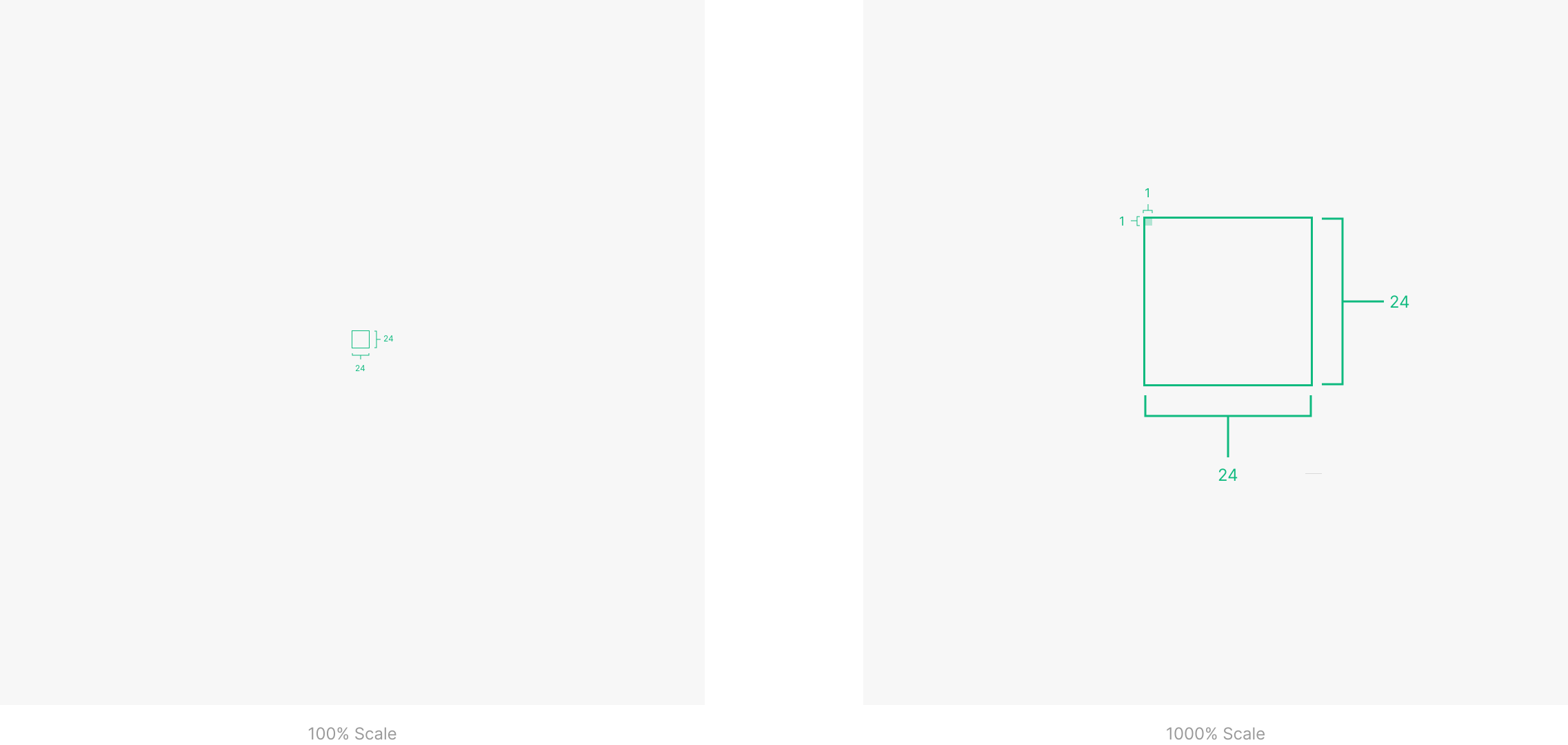
System icons render at 24 × 24 dp. Design icons to be readable at 100% scale for pixel accuracy.
Layout
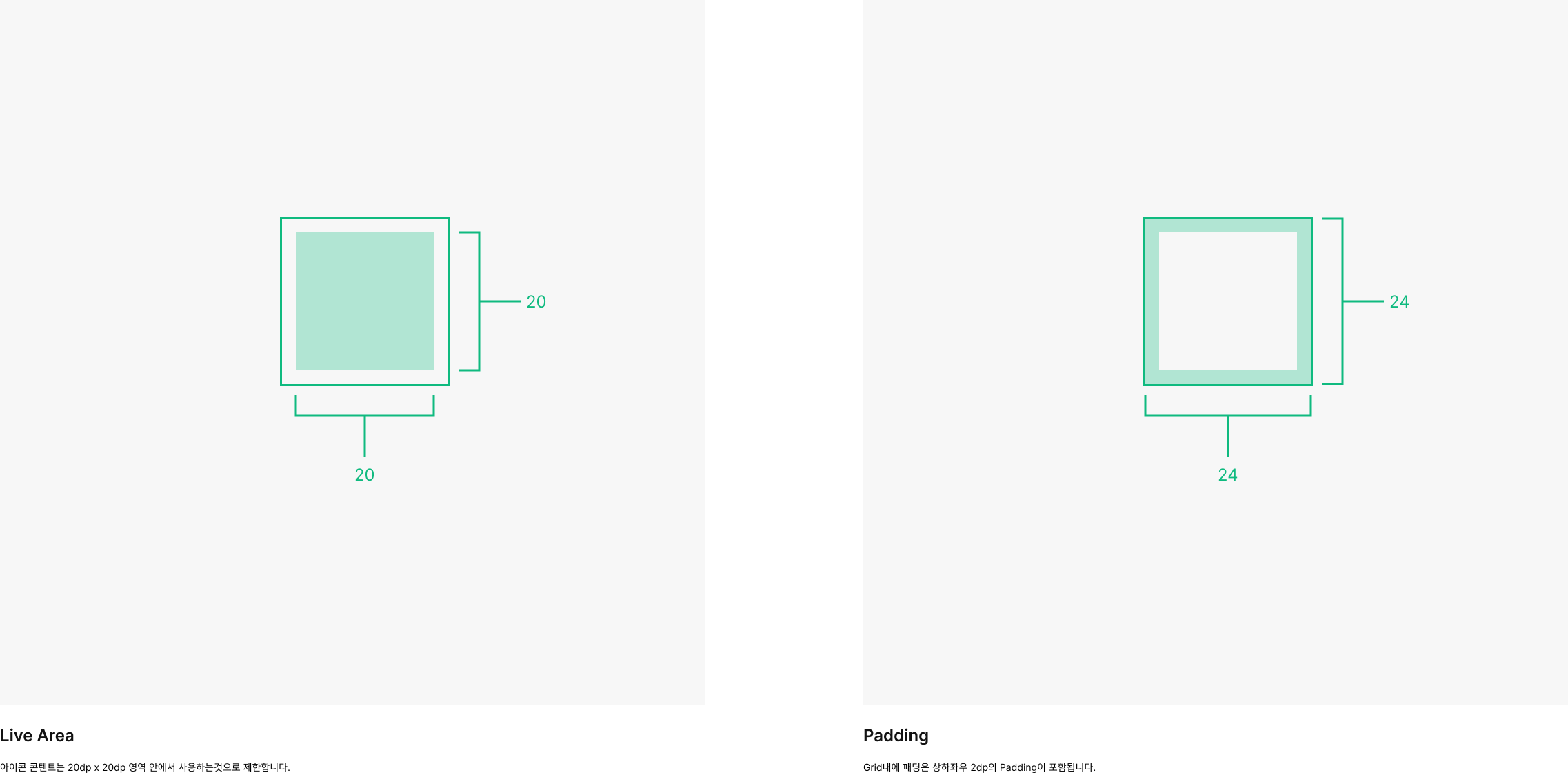
Content stays within the live area — the region least likely to be clipped at runtime (e.g., when a sidebar reveals on scroll). When extra visual weight is required, content may extend into the padding between the live area and the trim area (the icon's full size). No part of an icon should extend past the trim area.
Keyline Shapes
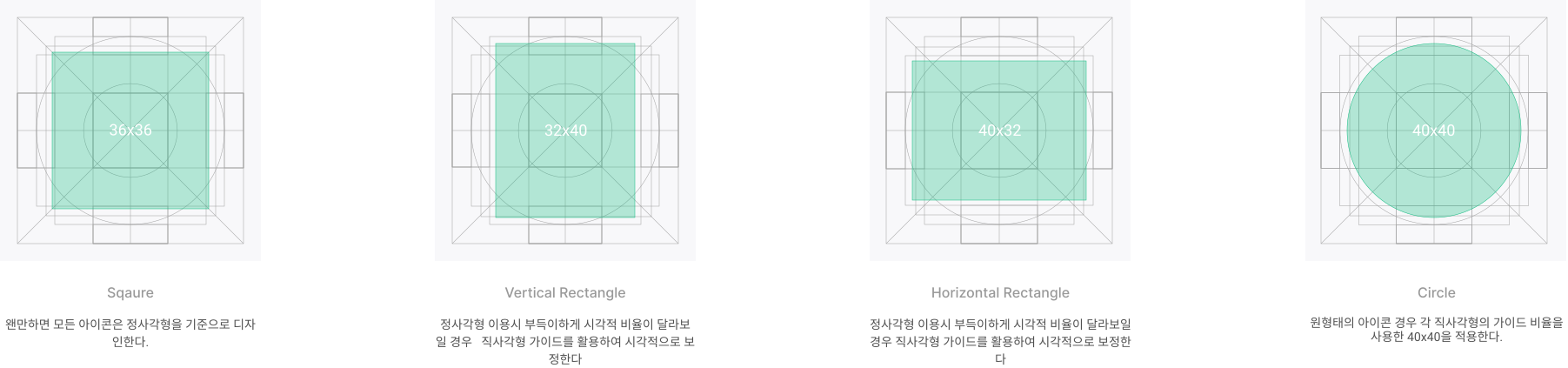
Keyline shapes define the base frame of every icon, giving icons with similar proportions a consistent silhouette.
Stroke
Default stroke is 2 dp. It may shift based on the icon's size, position, and purpose.
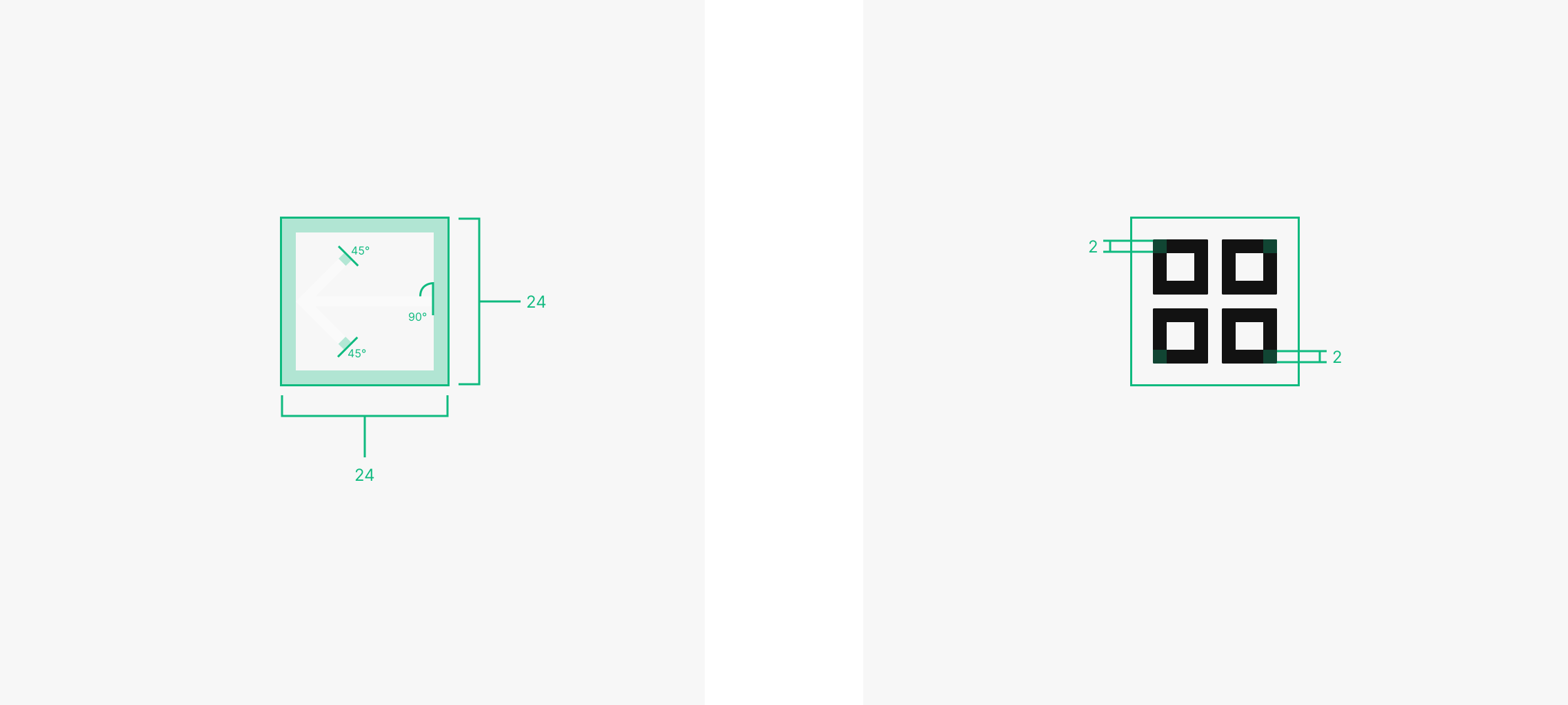
Radius
Radius is freely chosen between 0–2 dp. Apply per corner to better convey the icon's motif.
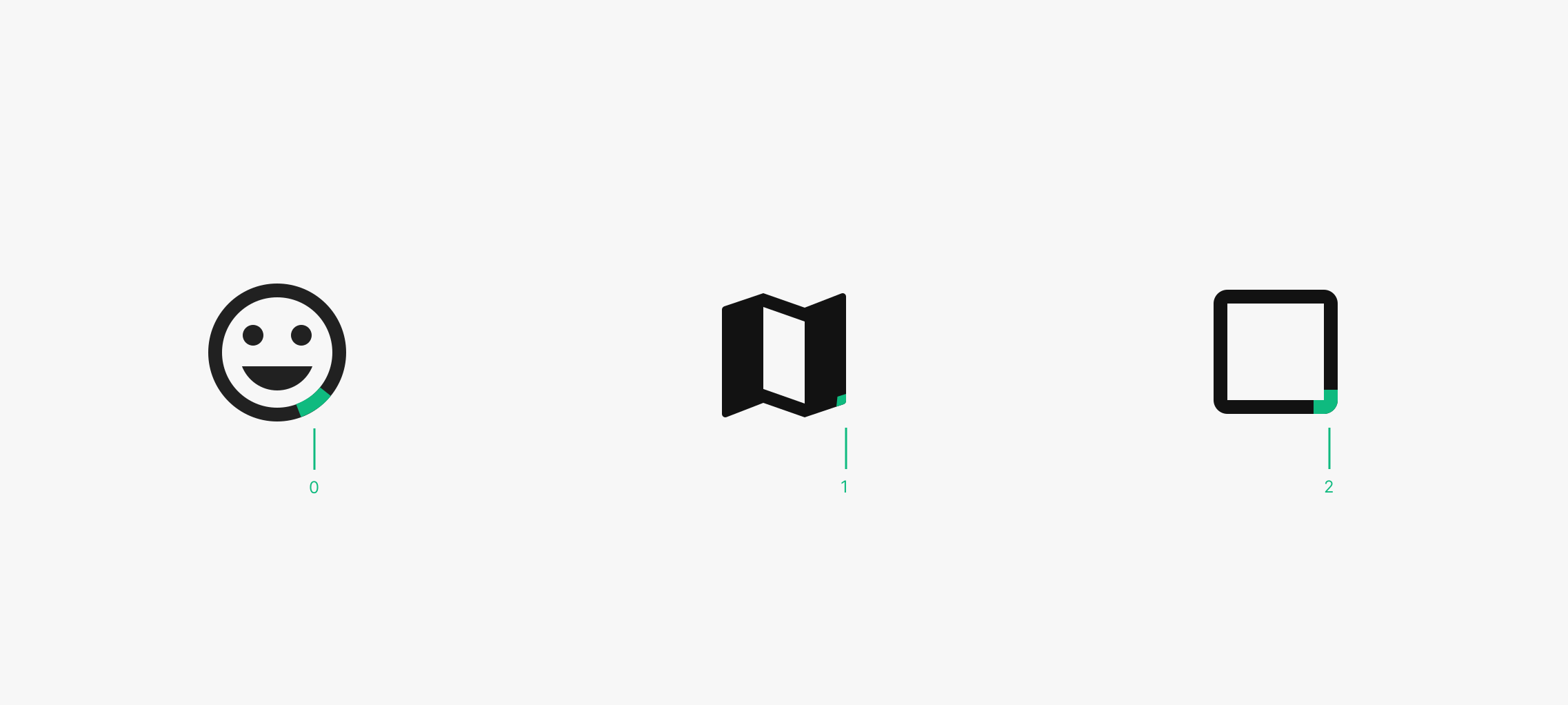
Styles
Icons use two styles — Line and Fill — applied per context.

Colors
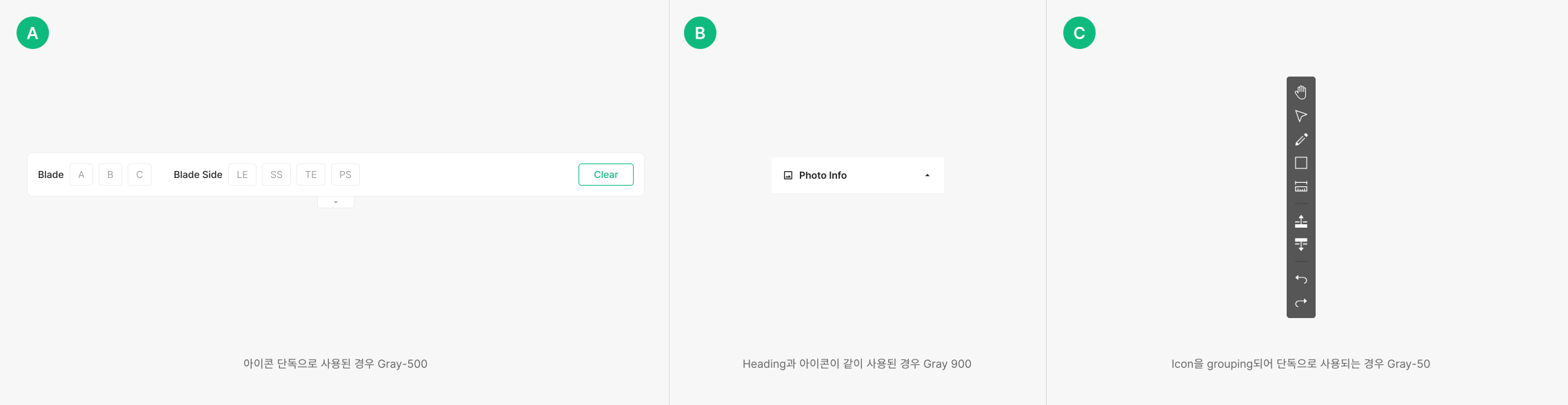
Icons default to Gray-50. Standalone icons inside Worker generally use Gray-400; icons paired with a Heading use Gray-50. Background and context may shift the applied color.