Indicator
Indicator signals that work is in progress — while data loads, or while a user-triggered action is being processed.
Components
Indicator splits by how the duration behaves — Spinner for indeterminate timing, Progress Bar for determinate timing.

A. Spinner B. Progress Bar
Spinner
Used when data loading or processing takes an unpredictable amount of time — visualizes the work indeterminately.
Anatomy

1. Track 2. Indicator (Fill)
Variants
Type
Spinner splits by scope — embedded within a Button or Dropdown, and applied at the Container or Page level.
Duration
As an indeterminate Indicator, Spinner is typically used for short loading windows around 1-3 seconds.
Usecase
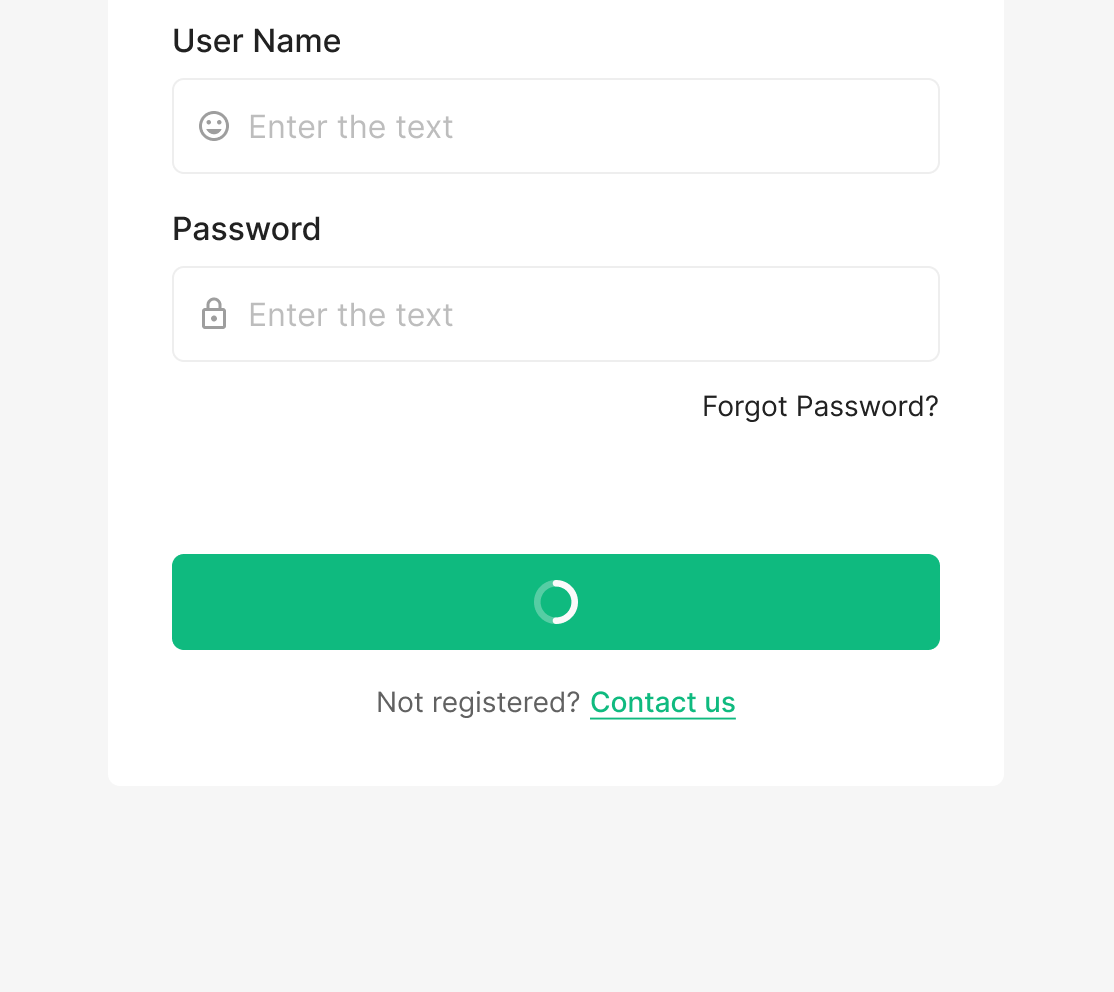
Button
Surfaces when a Button action triggers data loading.
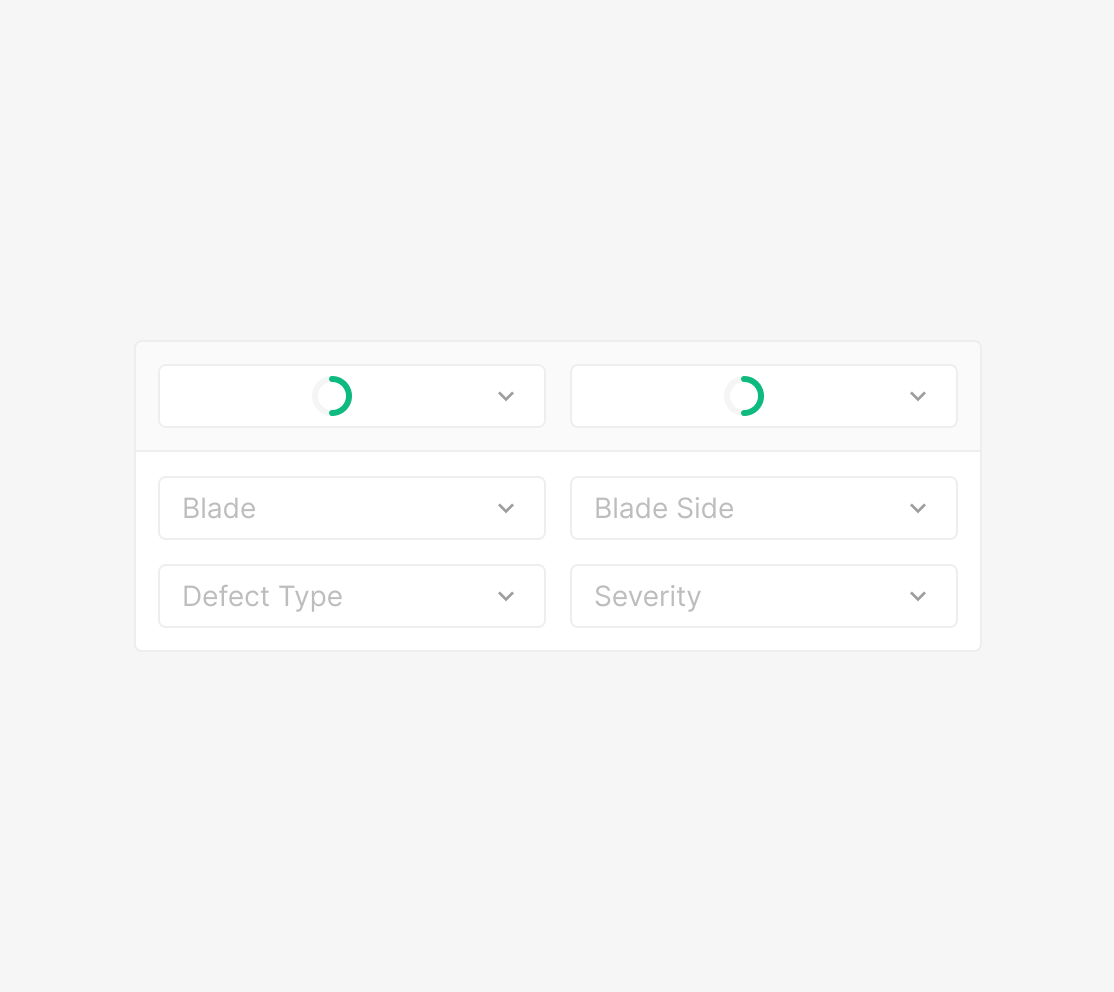
Dropdown
Surfaces when a Dropdown action triggers data loading.
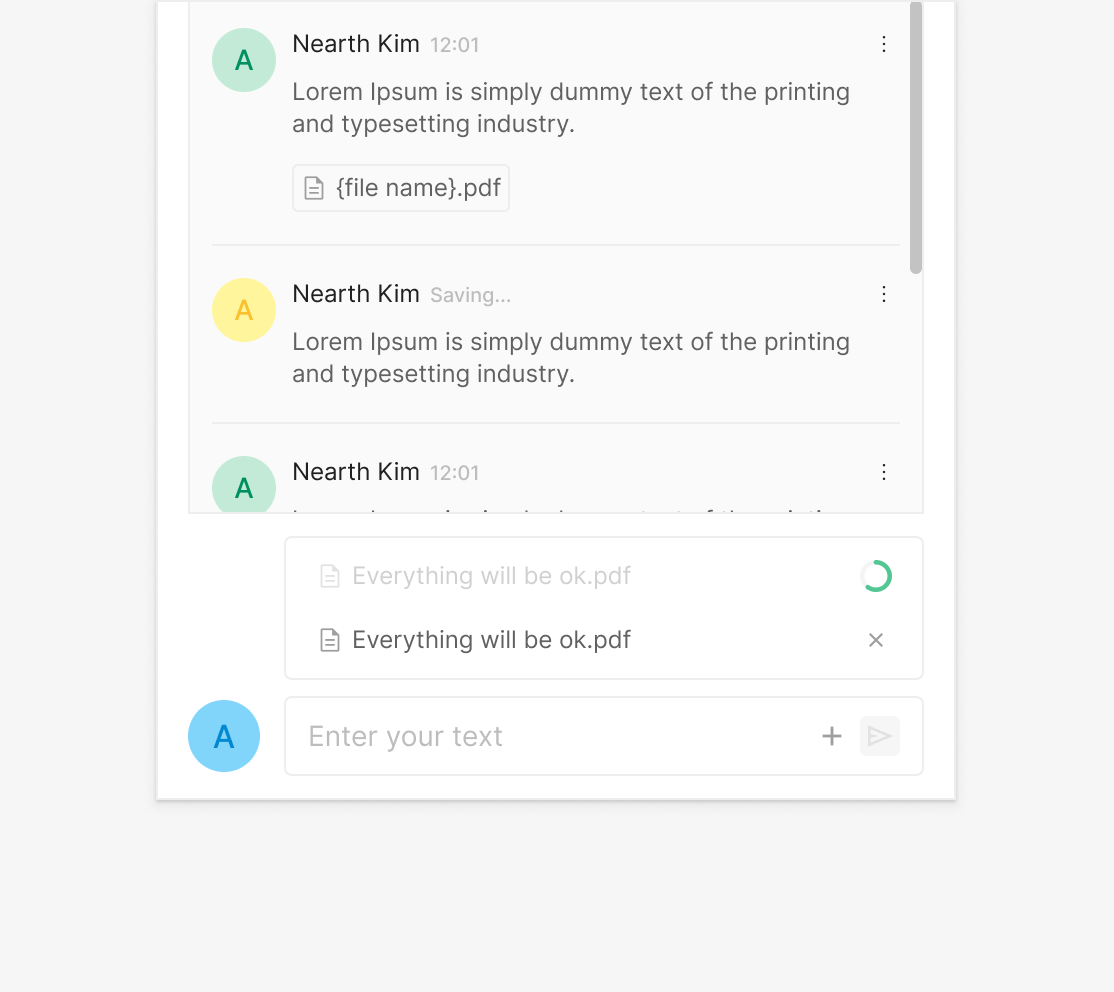
File Upload
Surfaces during individual file uploads.
Progress Bar
Used when the processing time is predictable — visualizes the work determinately.

Progress Bar (Linear Type)
Anatomy

1. Indicator (Bar Type) 2. Track 3. Helper Text
Variants
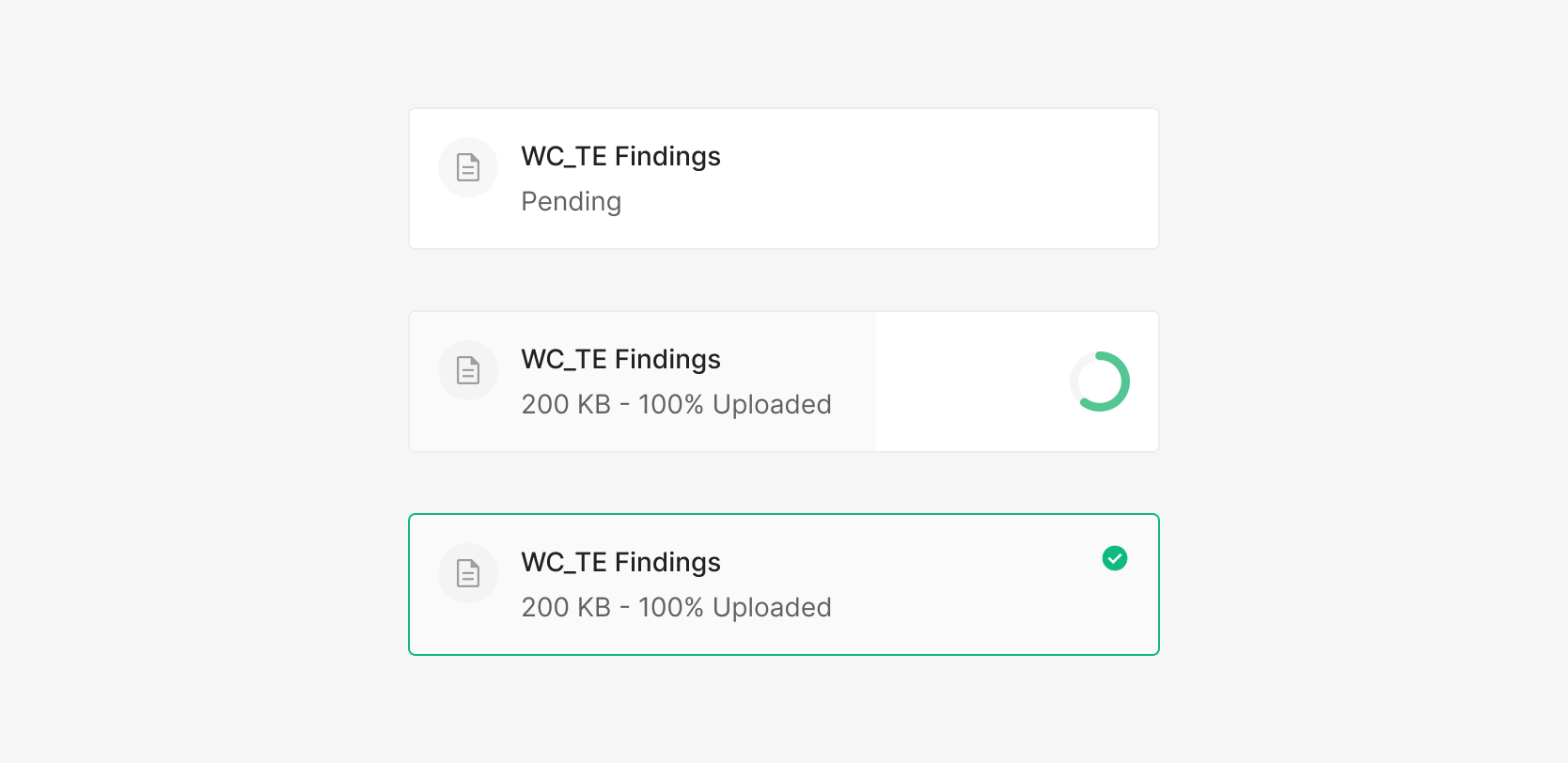
State
Progress Bar surfaces determinate progress information. In Wind, it's primarily used during file upload. It carries two states — Uploading and Complete.
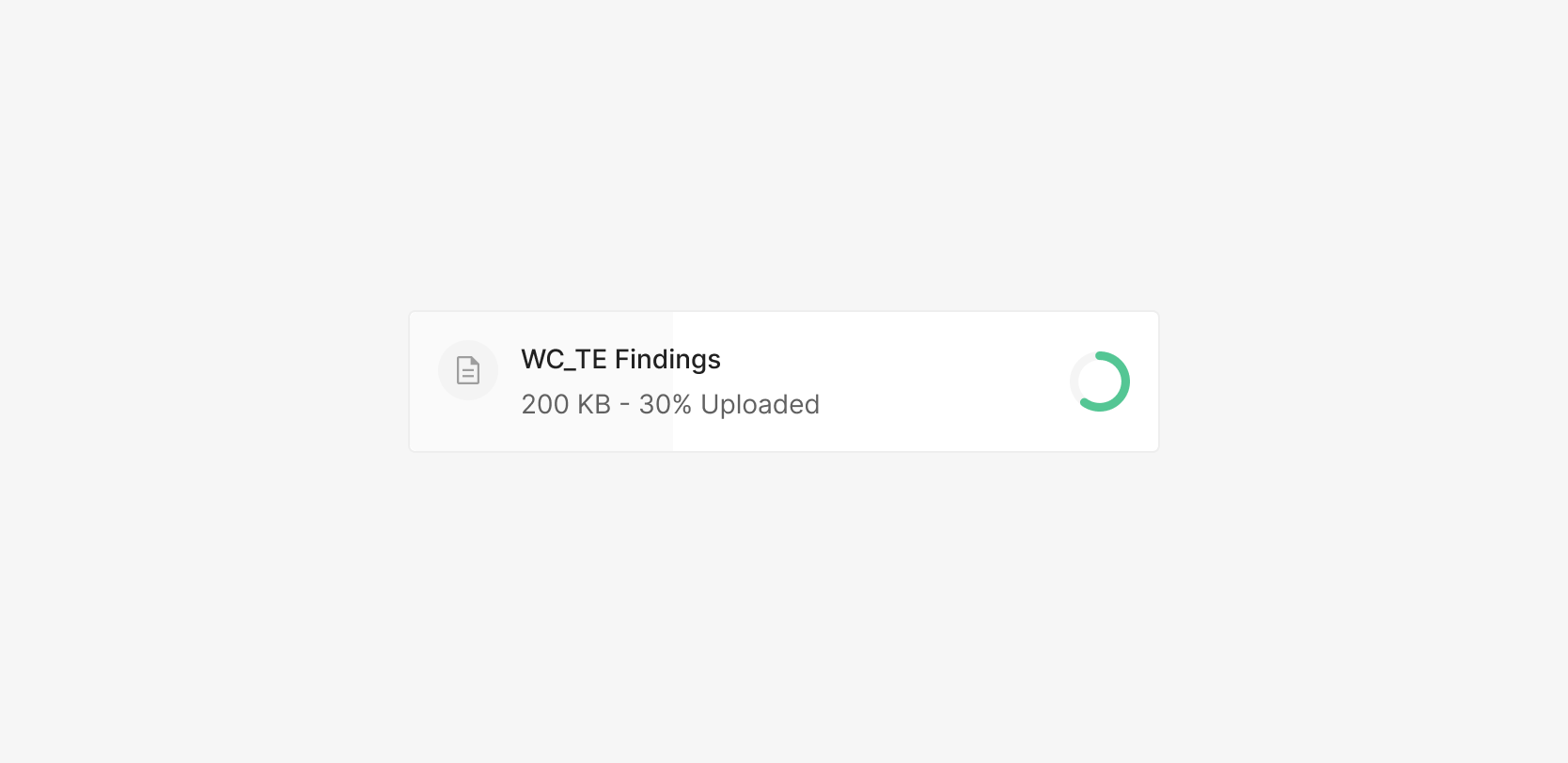
Size
When embedded in a Wind container, Progress Bar's Height equals the container's Height. Width flexes to the surrounding area.
Usecase
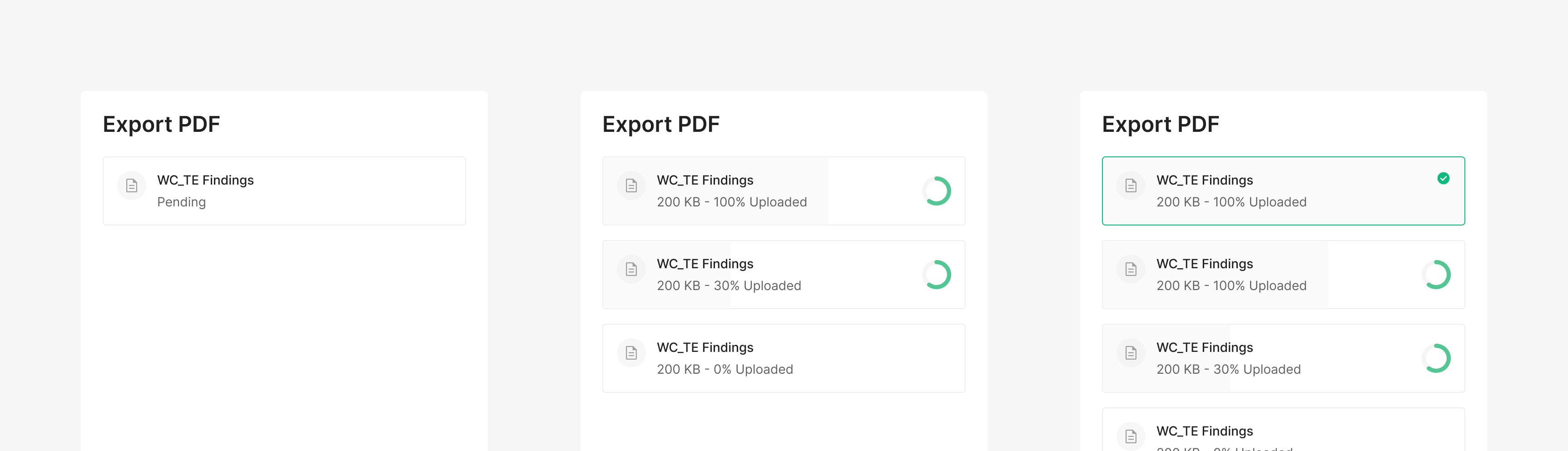
Export PDF
Wind uses Progress Bar when exporting files. Typically pairs with Spinner.